
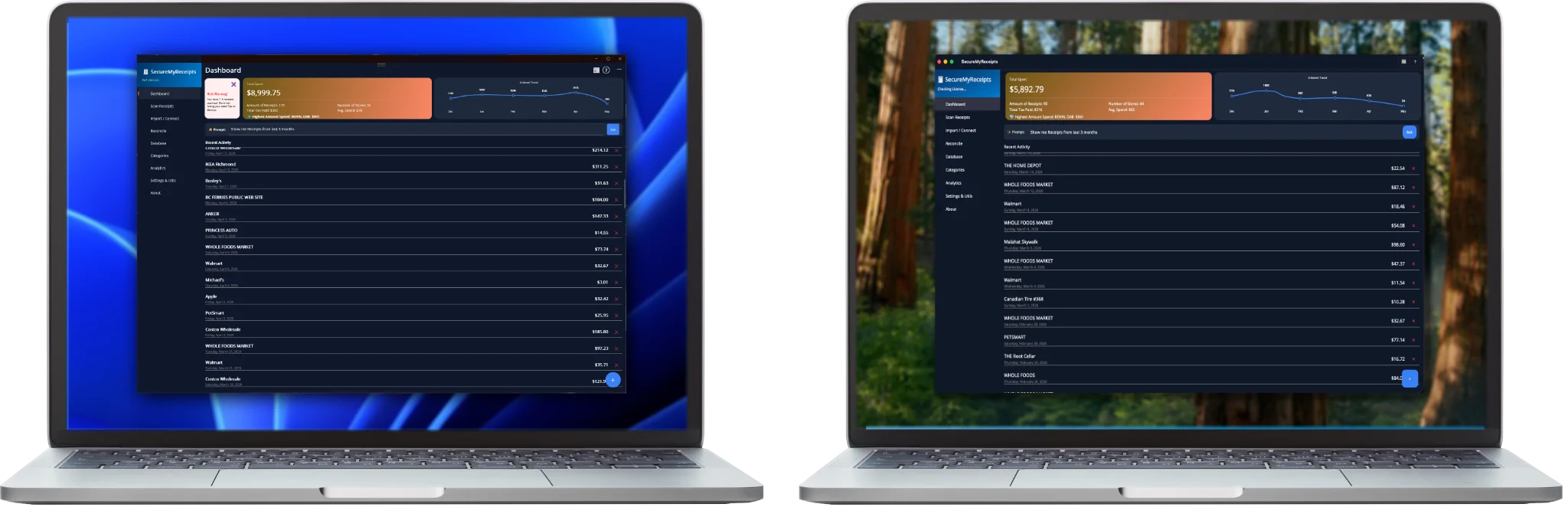
Ask in plain words, and a local AI finds the photo, the receipt, the contract or the note you mean. It also sorts, backs up and cleans up your files. FileCategorizer is a private AI vault for your Mac or Windows PC—no cloud, no accounts, no compromises.
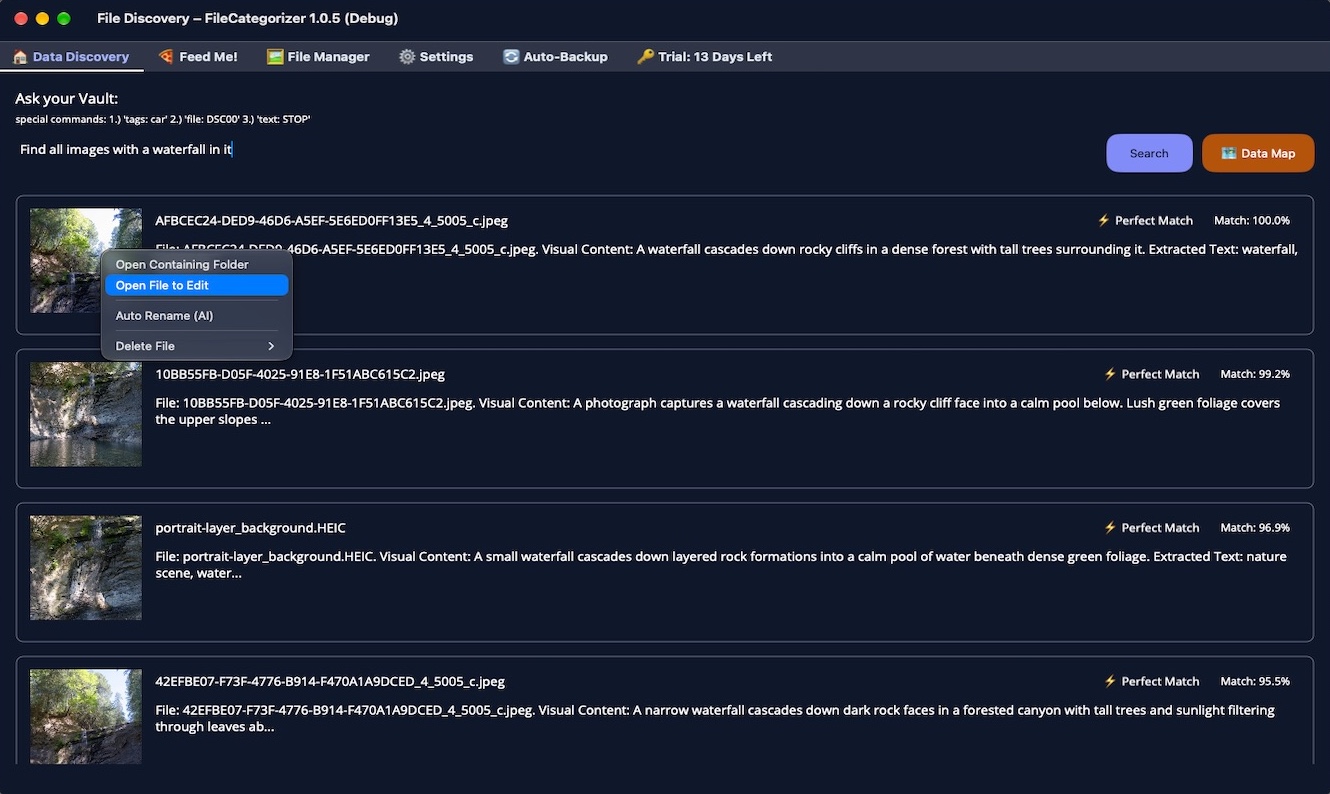
Stop remembering file names. Describe what you are looking for: "red car in Vancouver", "contracts from 2024", "photos shot at f/2.8". FileCategorizer understands the meaning of your question and finds the right photos, documents and receipts, even when the words you type are not in the file name.
It knows your files better than you do. The AI looks at your photos, reads the text inside images and PDFs, and remembers what it saw, along with the date, the place and the camera. Searches are instant, and everything stays on your computer.
One question, one answer. Narrow the results with simple filters for file types and categories, select many files at once, and open them in Finder or Explorer with a click.
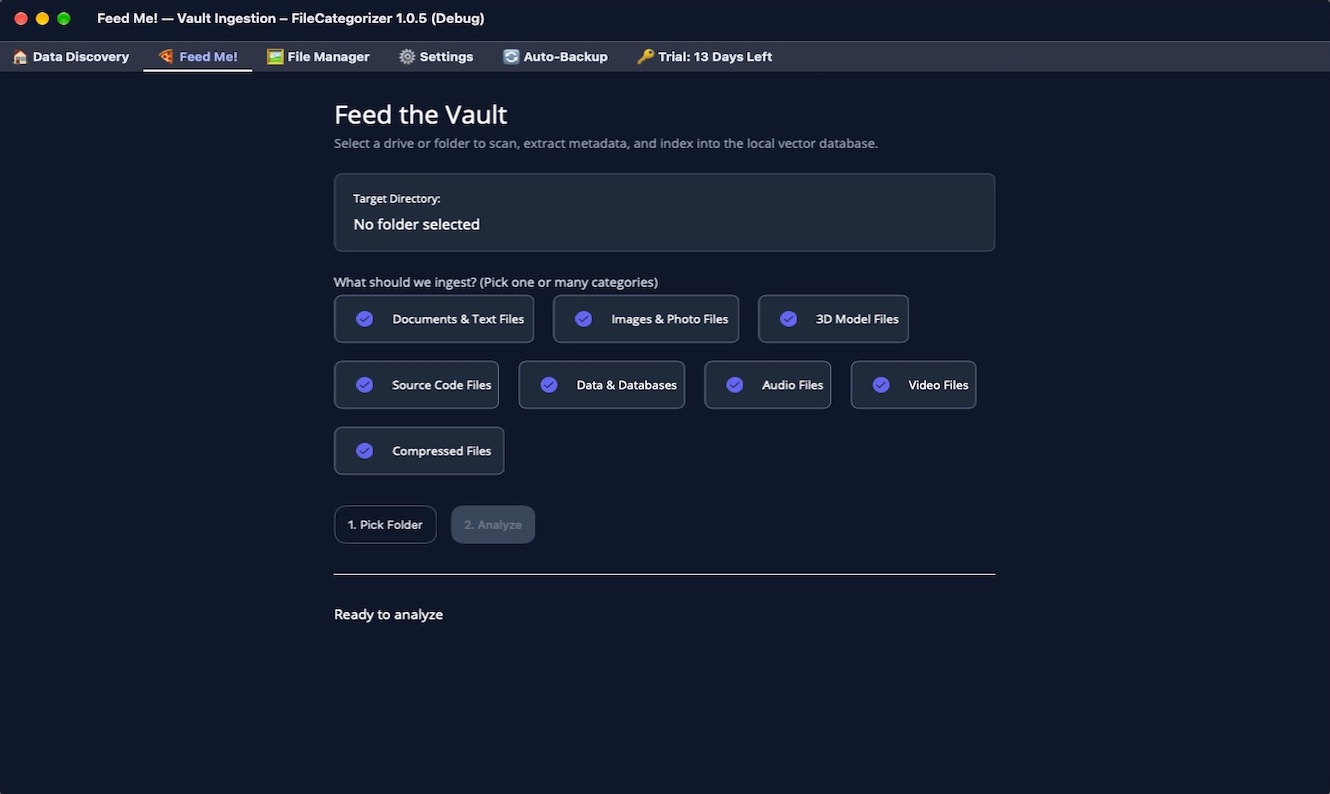
1. Feed Me, once: Point FileCategorizer at your folders (Pictures, Documents, an external disk) and let it work. The AI vision model describes every photo, reads the text it finds in screenshots, scans and receipts, and tags it. Because it runs 100% locally on your computer, your private pictures and documents are never sent to a cloud server to be processed.
2. Made for real libraries: Thousands of photos, camera RAW files, PDFs, Office documents and notes. Your vault stays in a folder of your choice, even on an external drive, and it is separate from the app: reinstall, move to a new computer, and your files and your index are still yours.
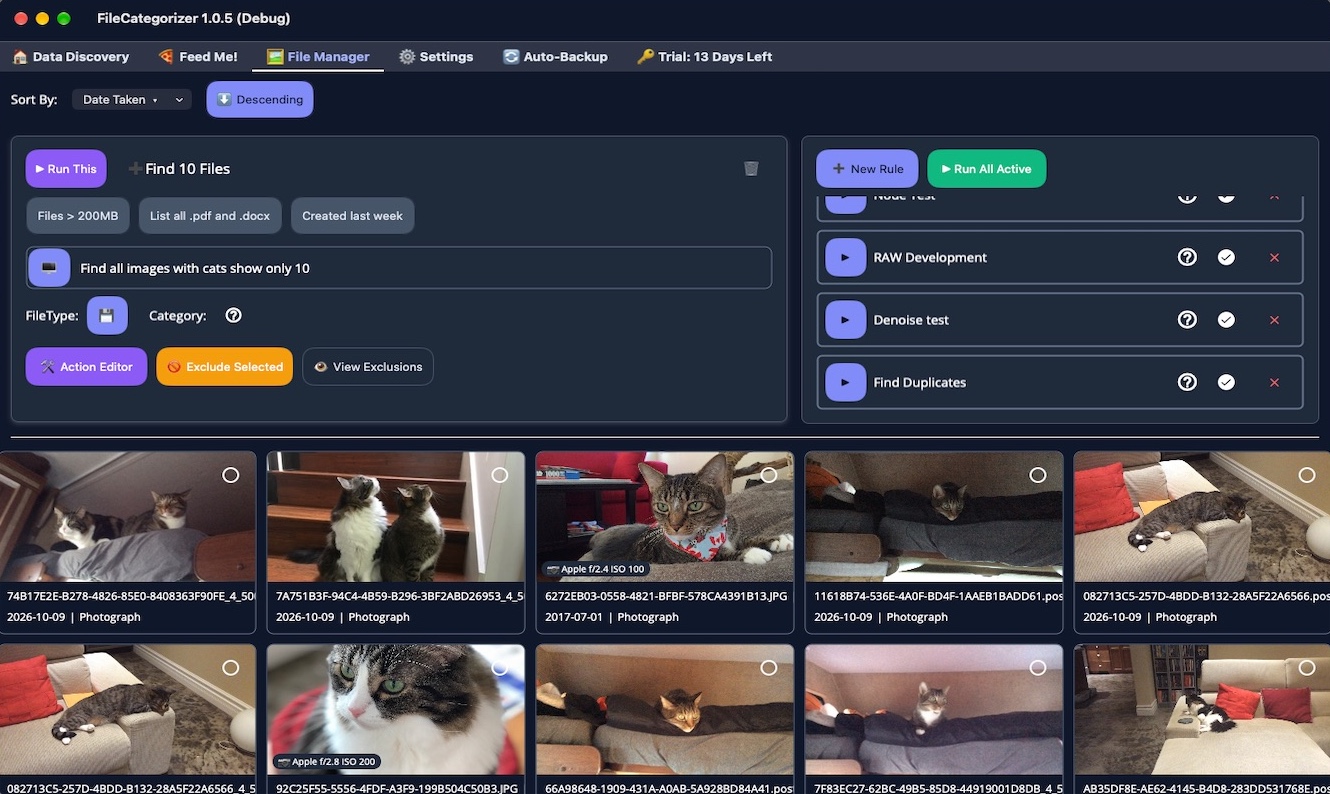
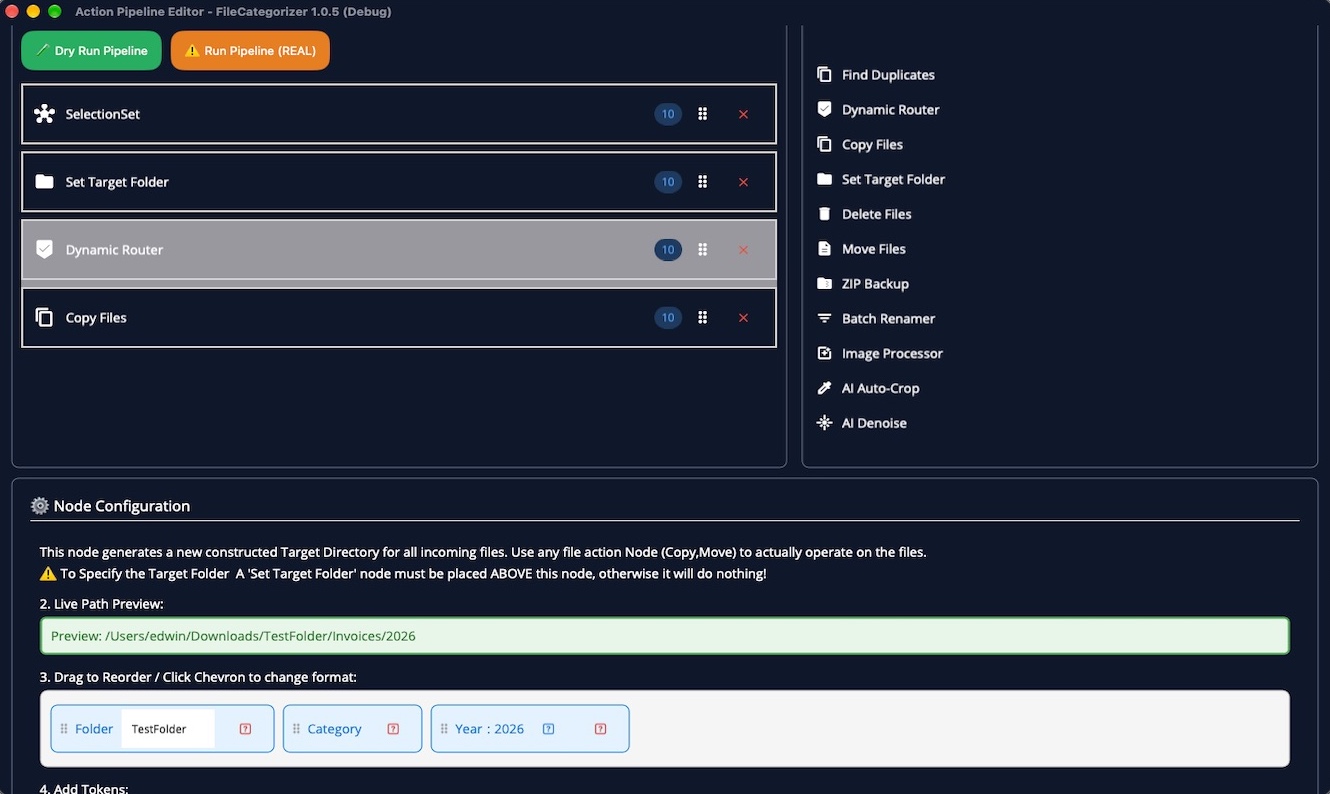
Build routines from simple blocks. Sort photos by date, camera or place. Gather your screenshots from the Desktop into a folder of their own. Find and remove duplicates. Rename hundreds of files in one go. Resize, add a watermark, crop with AI, or develop RAW photos. Connect the blocks, and FileCategorizer does the work.
Preview first, always. Every routine has a dry run that shows exactly what would happen. Nothing in your folders is moved, renamed or deleted unless you build the action and run it yourself, and deleted files go to the Trash. Your photo library stays untouched: organize by making organized copies.
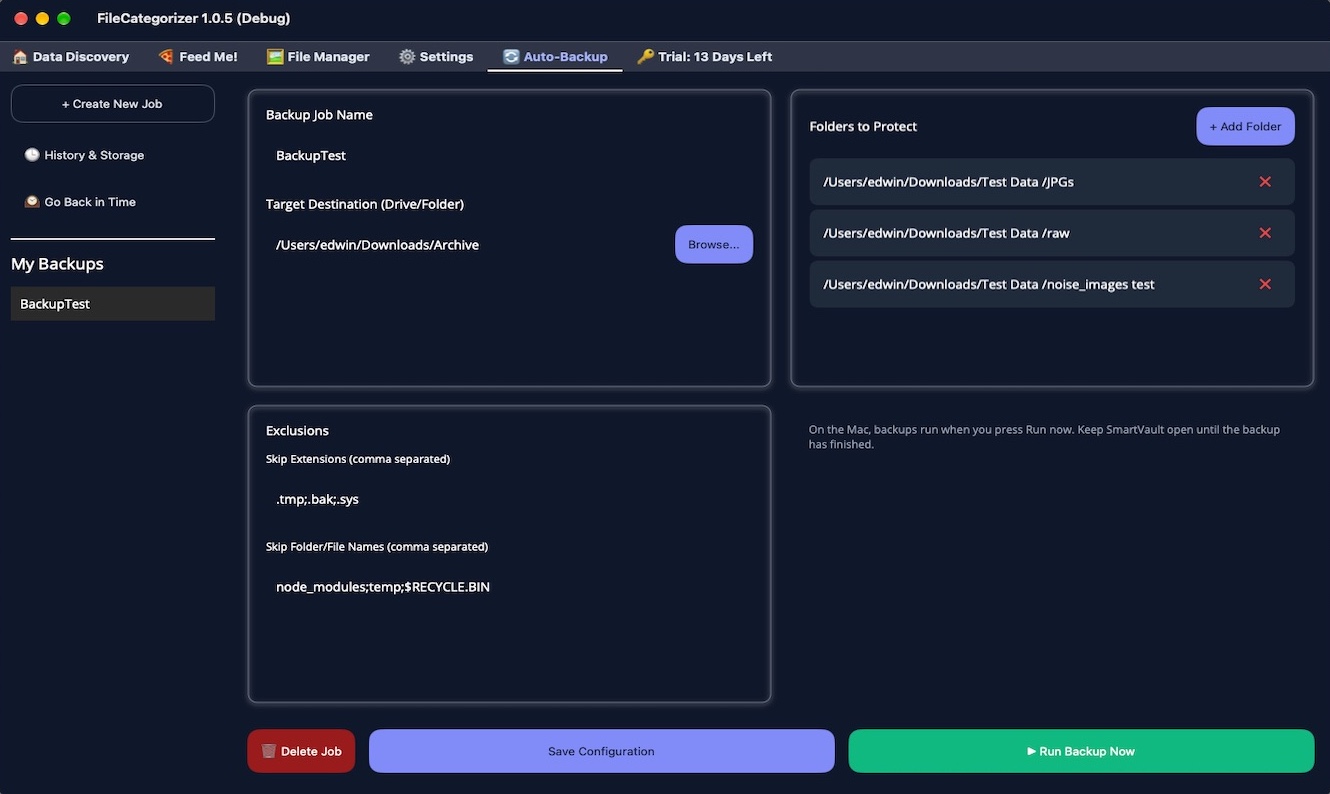
A backup you can actually browse. Back up chosen folders to any disk, from your Mac or PC, as compact zip files you can open with any tool, even without FileCategorizer. Every run saves only what has changed.
Restore exactly what you need. Pick a date on the timeline, browse your folders as they were that day, and restore one file or the whole folder, next to the original or in a new place. Before anything is overwritten, FileCategorizer asks you first.
We don't just promise privacy; we built it in. Here is exactly what we do (and absolutely don't do) with your files:
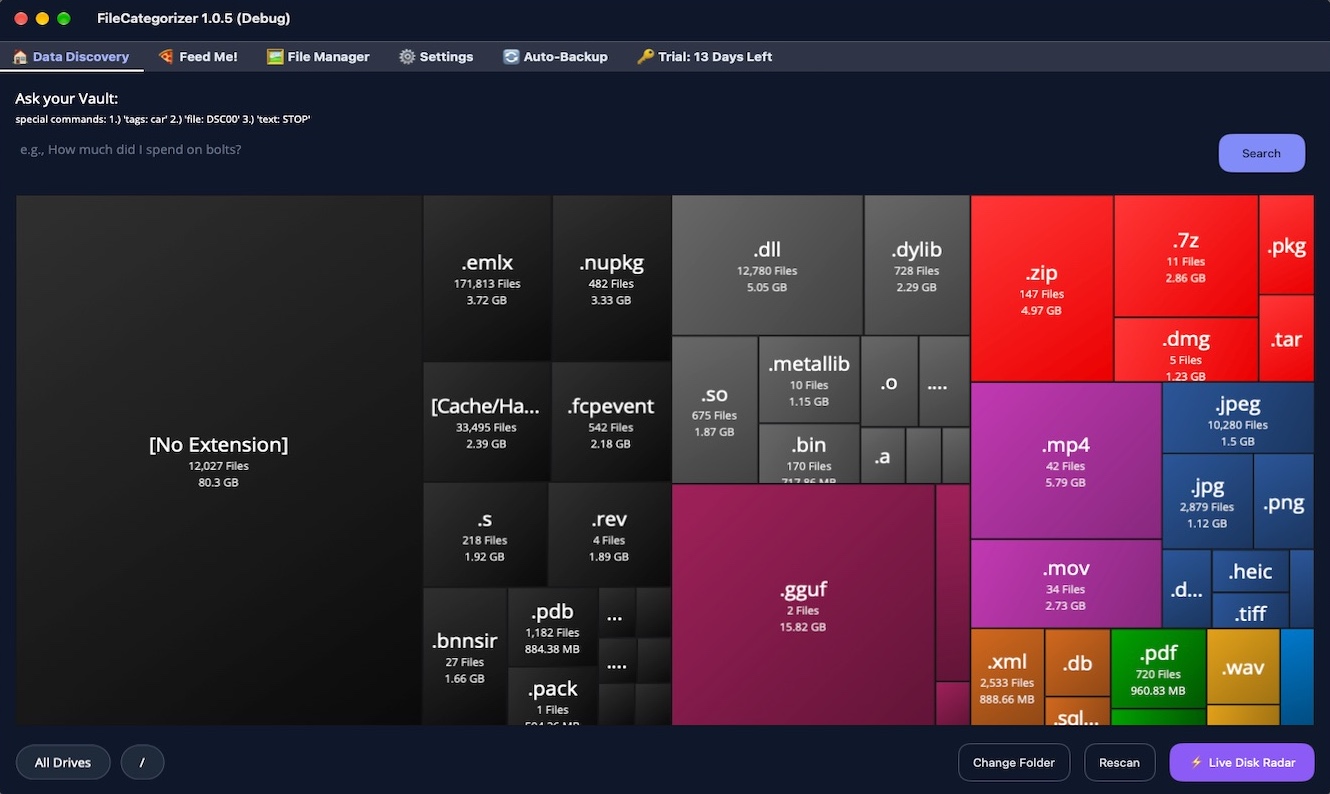
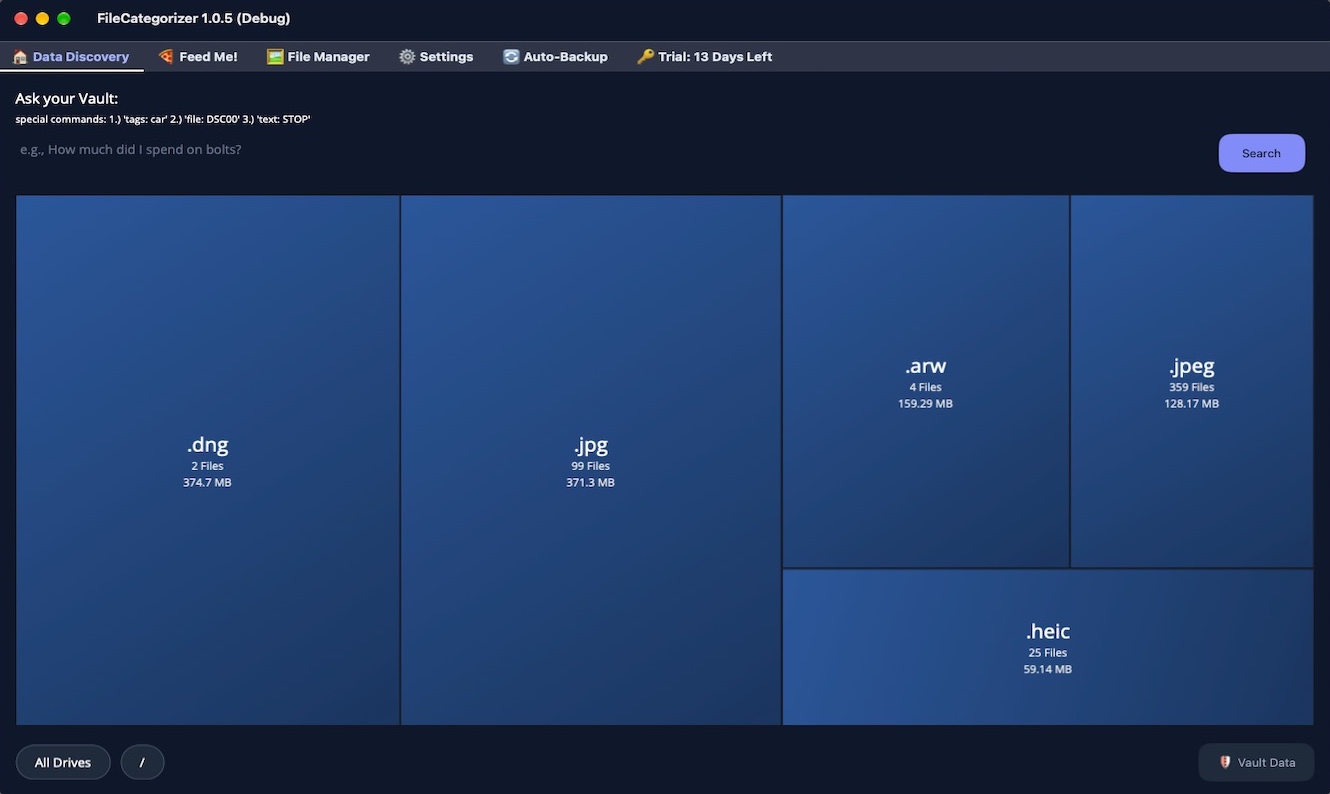
A map of your storage. The disk map shows your folders and file types as colored blocks, sized by how much room they take. The big space eaters stand out immediately: old downloads, forgotten backups, huge video folders.
Reclaim space with confidence. Find duplicate files by their content, not just their names, keep the copy you want, and send the rest to the Trash. Combined with the routines, a messy folder becomes an organized one in minutes.
The FileCategorizer beta for Mac is open. Join through TestFlight, try every feature free, and help us shape the first release of your private, local AI vault.
Requirements:
FileCategorizer is coming to Windows with a FREE trial on the Microsoft Store. See what 100% private, local AI can do for your photos, documents and backups.
Requirements:
 Made securely in Canada